Stop retyping project data into every system.

The Project API syncs projects, contacts, and parcels two ways between Glint Solar and your CRM or project tools. And with MCP, your team can ask Claude, ChatGPT, or Cursor about the pipeline in plain language and update it from the same chat.

Connect Glint Solar to the tools you already run on.

  • Works with any platform that offers API access, including Salesforce, HubSpot, Monday.com, Asana, Airtable, and your own internal tools.

  • Sync runs two ways, so an update in either system carries over automatically with no manual data entry.

  • Create a project in Glint Solar the moment a lead qualifies in your CRM, and it's ready for the team to assess.

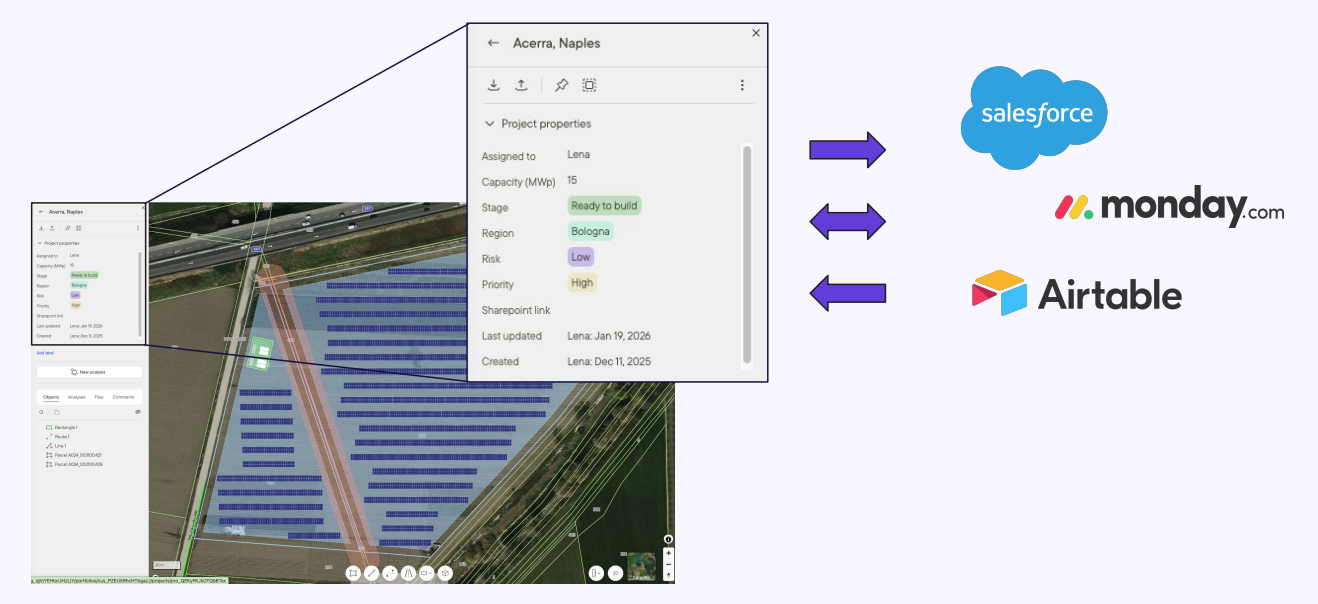
Project properties in Glint Solar syncing two ways with Salesforce, Monday.com, and Airtable

Ask your AI assistant about your pipeline.

  • Connect Claude, ChatGPT, Cursor, or any assistant that supports remote MCP servers. You sign in with your Glint Solar account, so there's no token to generate.

  • Ask in plain language, for example “Which projects in my portfolio are in planning?” or “Add Jane Smith as a contact on project Alpha.” The assistant reads or updates the data for you.

  • It always acts as you, with your permissions, and it covers what the Project API covers: projects, contacts, and parcels. It doesn't create objects inside a project, so design work stays on the map.

  • The MCP connection is part of Glint AI.

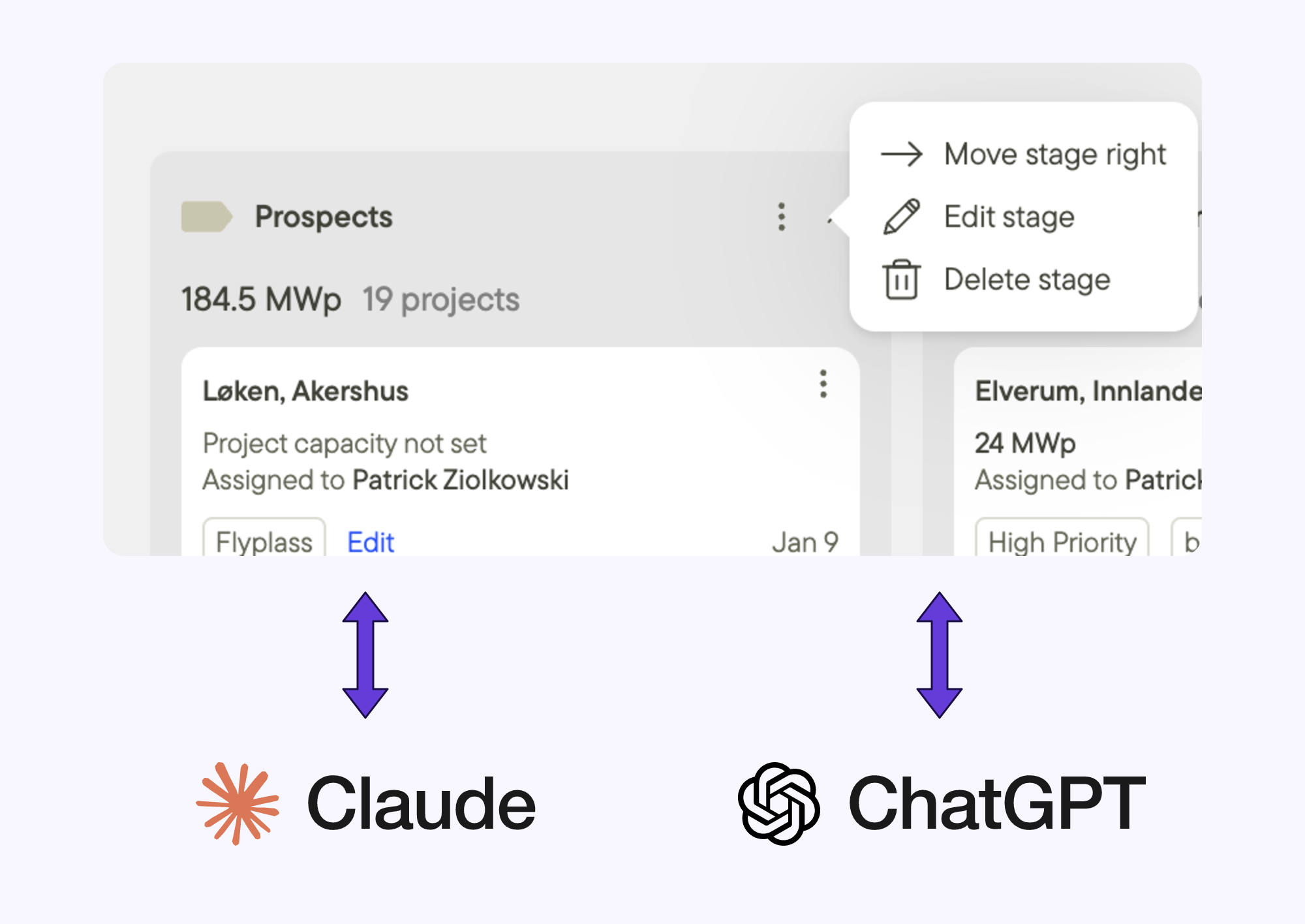
Projects grouped by development stage in Glint Solar, read and updated from Claude or ChatGPT

Keep reporting consistent without the reconciliation.

  • Capacities, development stages, and custom properties stay current in every connected system, so pipeline reports stop drifting apart.

  • You decide what syncs. Only explicitly mapped data flows out, and site designs and technical analyses stay in Glint Solar unless you configure them to move.

  • Contacts and parcels sync too, so the landowner records in Site Control and your CRM stay in step.

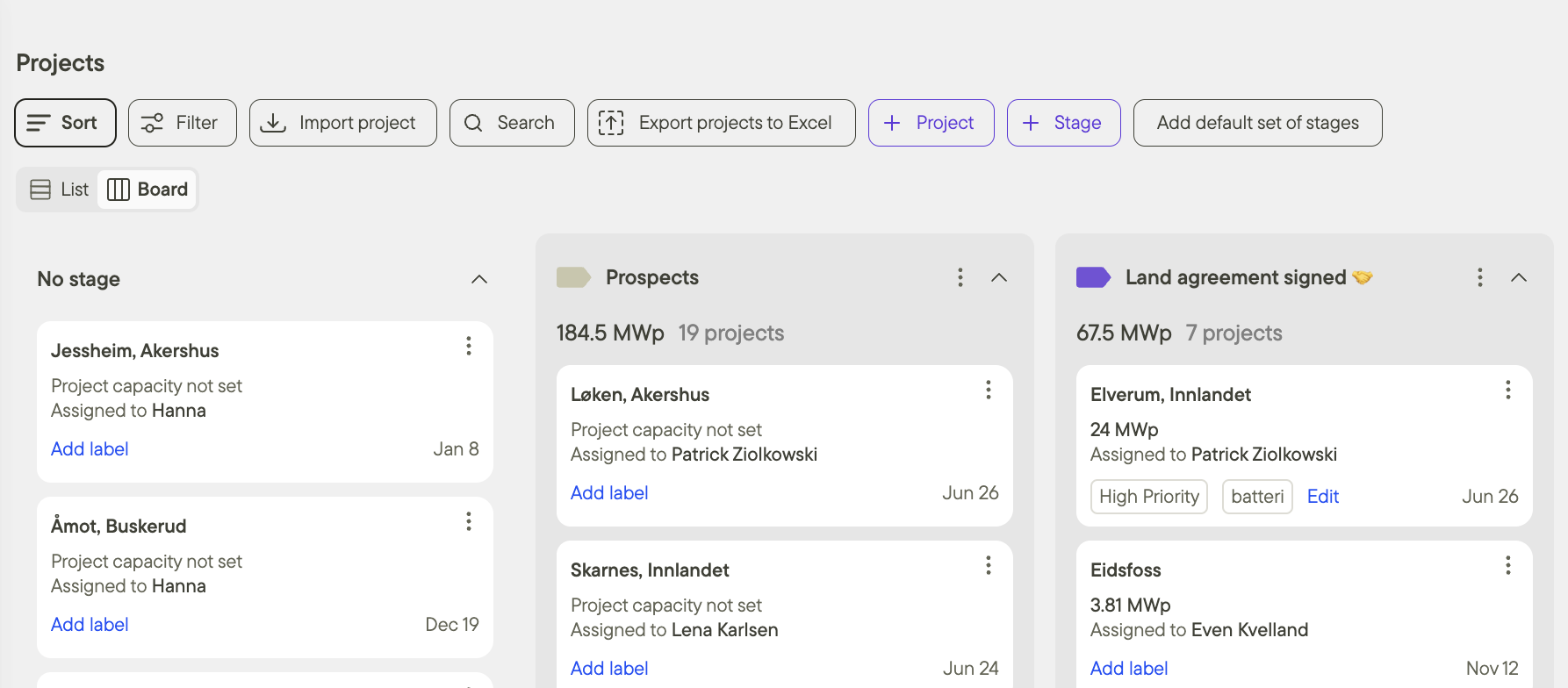
Project pipeline in Glint Solar organised by development stage with capacity per stage

Built for every team that touches project data.

The same data serves three jobs: the people who build the stack, the project teams who stop retyping, and the managers who need numbers they can trust.

For developers and ops building the stack

Create, read, update, and delete projects and contacts, update parcels, and link contacts to projects and parcels. The Project API authenticates with Personal Access Tokens that inherit each user's permissions, and the full documentation lives at api-docs.glintsolar.com.
Developer integration workflow in Glint Solar

Frequently asked questions

Which tools does the Project API work with?

Any platform that offers API access. Teams connect Glint Solar to CRMs like Salesforce and HubSpot, project management tools like Monday.com and Asana, Airtable, and custom internal tools. You can read more in the launch announcement.

What data can we sync?

Projects with their names, capacities, locations, development stages, and custom fields, plus contacts and parcels. Only the data you explicitly map syncs, and site designs and technical analyses stay in Glint Solar unless you configure them to move. That keeps Glint Solar as the land and design layer of your unified workspace while the rest of your stack stays current.

What is MCP, and how does it work with Glint Solar?

MCP, short for Model Context Protocol, is an open standard that lets AI assistants connect to other software. Glint Solar runs an MCP server, so you can add it to Claude, ChatGPT, or Cursor and work with your projects, contacts, and parcels by asking in plain language, for example “Which projects in my portfolio are in planning?” The assistant answers from your live Glint Solar data, and it can update that data when you ask it to. The MCP connection is part of Glint AI.

Which AI assistants can connect over MCP?

Claude, Claude Code, ChatGPT, Cursor, and any other assistant that supports remote MCP servers with a login. You add Glint Solar as a custom connector, sign in, and approve access. The MCP setup guide has the steps for each assistant.

What can an AI assistant do in Glint Solar through MCP, and what can't it?

Exactly what the Project API does, no more and no less. It can list your portfolios and users, create, update, and delete projects and contacts, update parcels, and link contacts to projects and parcels. It can't create objects inside a project, such as shapes or layouts. Most assistants ask you to confirm before they change or delete anything, and we recommend keeping that on.

How is access controlled?

An Organization Admin enables API access in your organization settings. Users then generate Personal Access Tokens from their own profile, and every token inherits that user's permissions. AI assistants sign in as the user, so they only see and change what that person can. Turning API access off stops both tokens and connected assistants. The MCP connection is part of Glint AI.

Do we need developers to use it?

For a Project API integration, yes. Setting one up is a job for whoever builds your internal tooling, and the documentation at api-docs.glintsolar.com is written for them. Connecting an AI assistant needs no code: once API access is on, anyone with a Glint Solar account adds the connector and signs in.

BOOK A DEMO

See the integrations in your stack.

Bring your CRM, your reporting setup, or your AI assistant. We'll show you how project data moves between them and what your team stops retyping.

mountain_help_illustration_transparent