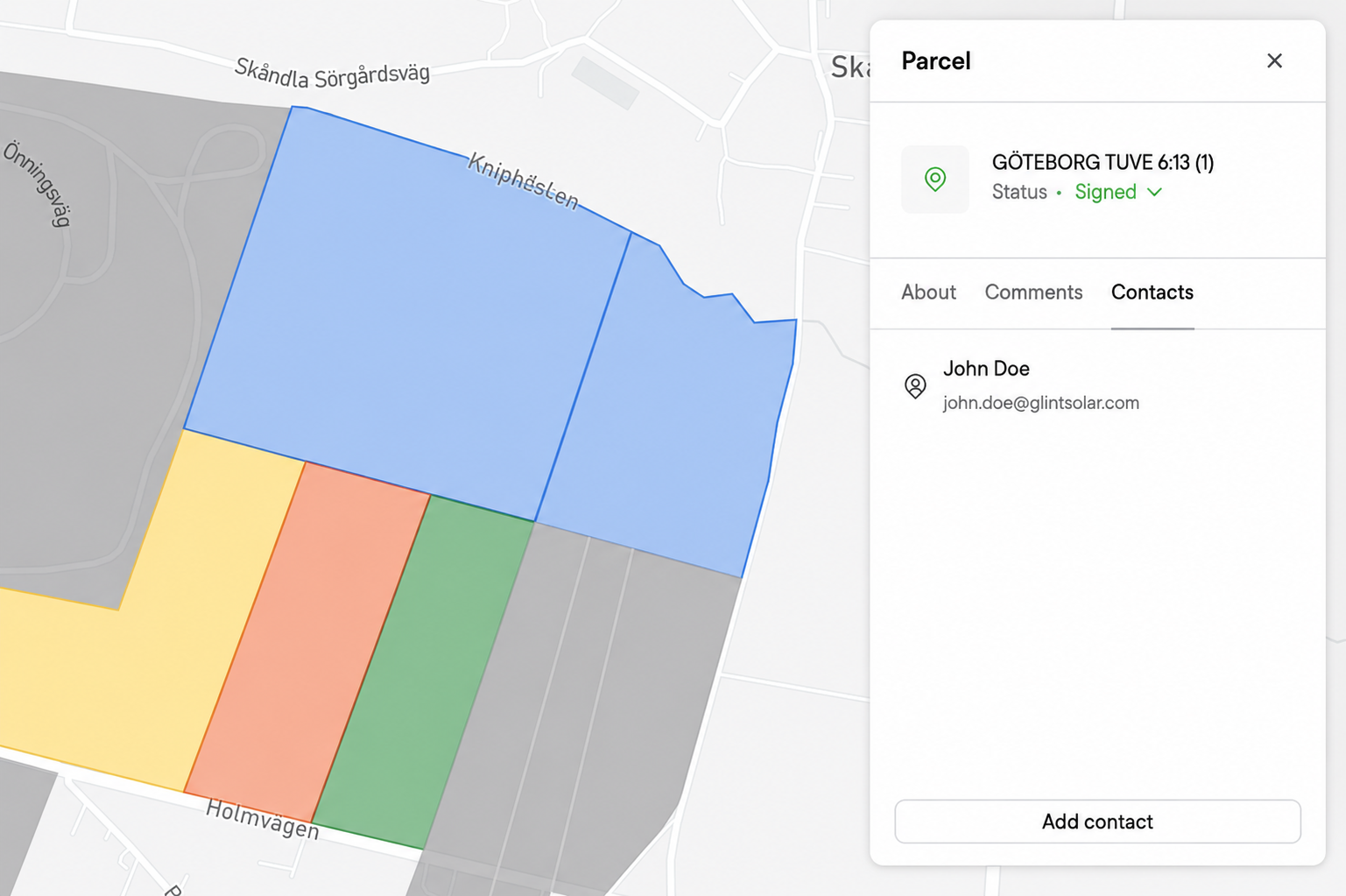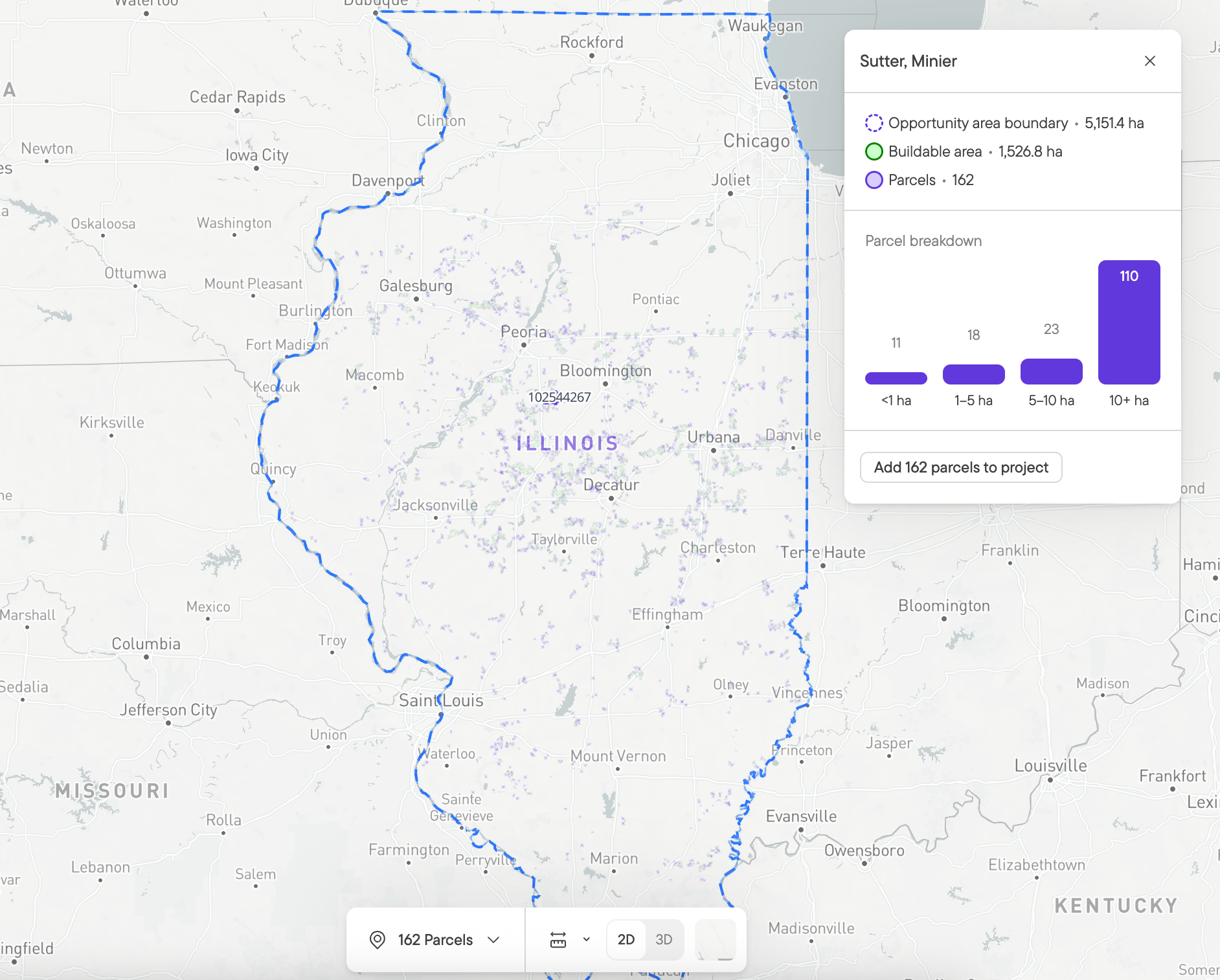
Describe the site you’re looking for, review what comes back, and let Glint AI do the work in between.
Glint AI’s first release, the Design Agent, took the repetitive clicking out of design. The second takes it out of prospecting. Glint AI can now use the core prospecting tools in Glint Solar: layers, parcel search, constraint profiles, Buildable Area and Area Insights, and Land Screening.
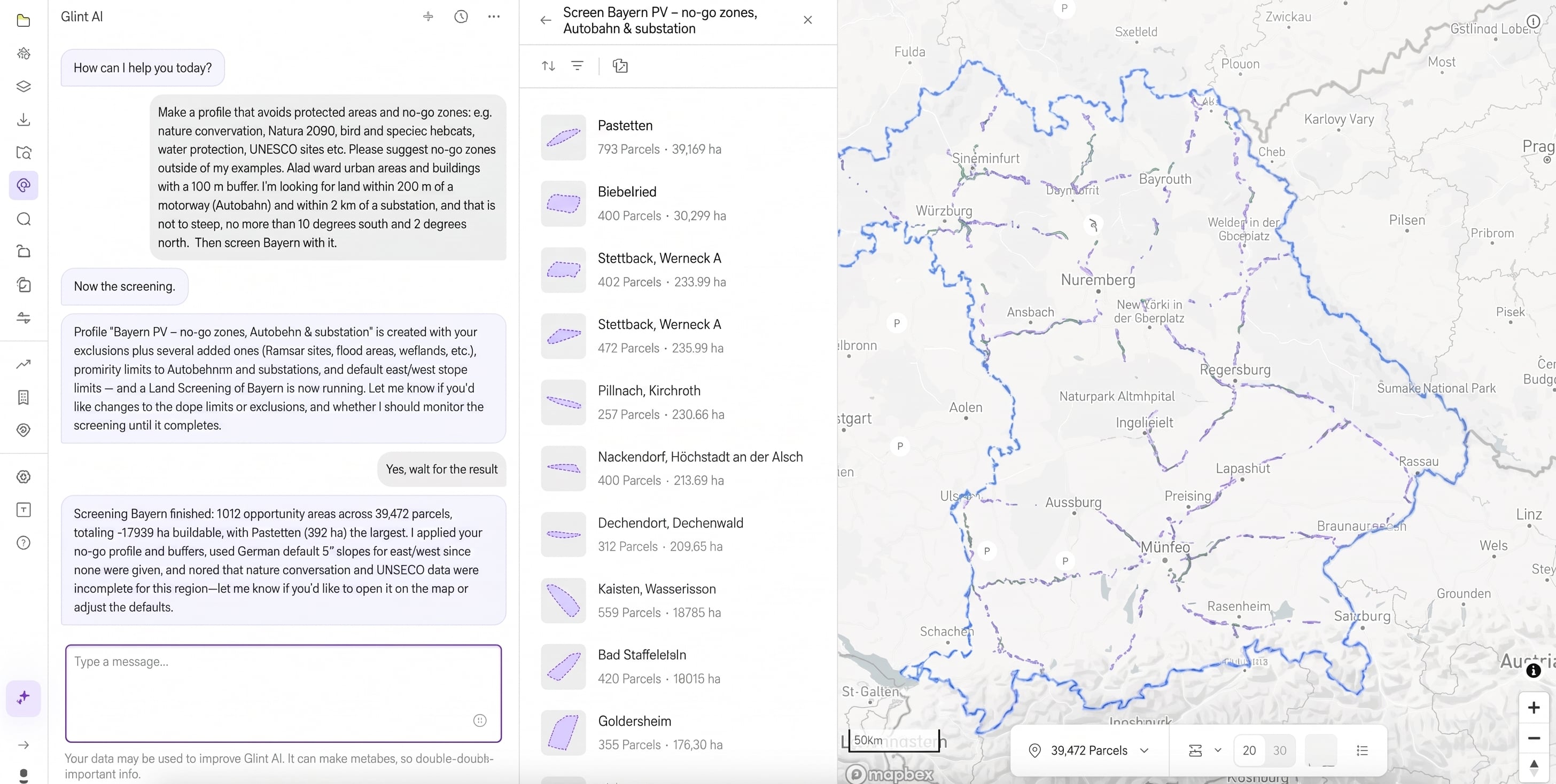
That makes a new way of working possible. You describe the kind of site you want. Glint AI finds the layers that matter and sets up structured screening criteria, which we call a Constraint Profile. You check the profile, ask it to screen a region, and review the results. You pick the areas worth pursuing and ask for the parcels, a constraints report and a first analysis on each. At every step the AI takes care of the busywork, while you stay in control of the result.
We don’t believe in one size fits all
There are broad market and political constraints, but within them each company has a different strategy, depending on its strengths, insights and risk appetite. No tool should decide this for you.
The real challenge is knowing which layers to use and what constitutes a no-go zone in each market. Glint Solar has hundreds of layers covering the US, Australia, Germany, Italy, France, the UK and other European countries, with additional datasets and requirements in individual US states. Identifying the right layers and applying the relevant restrictions is often the most time-consuming part of an initial site screen. Glint AI can now help automate that process, making it faster to apply your development strategy consistently across markets.
From a sentence to a shortlist
Say your team usually develops in Germany and is looking at northern Italy for the first time.
Once you know your criteria, use Glint AI to include the data layers you need:
“Make a profile that avoids protected areas and no-go zones, e.g. nature conservation, Natura 2000, bird and species habitats, water protection, UNESCO sites. Suggest no-go zones beyond my examples. Avoid urban areas and buildings with a 100 m buffer. I’m looking for land within 300 m of a motorway and within 2 km of a substation, and not too steep: no more than 10 degrees facing south or 2 degrees facing north.”
Glint AI finds the layers that cover those constraints and suggests additions for you to consider. Once you confirm, it builds the profile. Open it and every layer and buffer is visible, so you can see what it chose and change what you disagree with.
Then: “Screen Piedmont with this profile.” Land Screening returns candidate areas ranked by buildable area.
Pick the areas worth pursuing and keep going. “I need a PDF report on the constraints that apply to this project.” Then hand over to the Glint AI Design Agent for a preliminary layout and a sensitivity analysis.
When the site comes to you
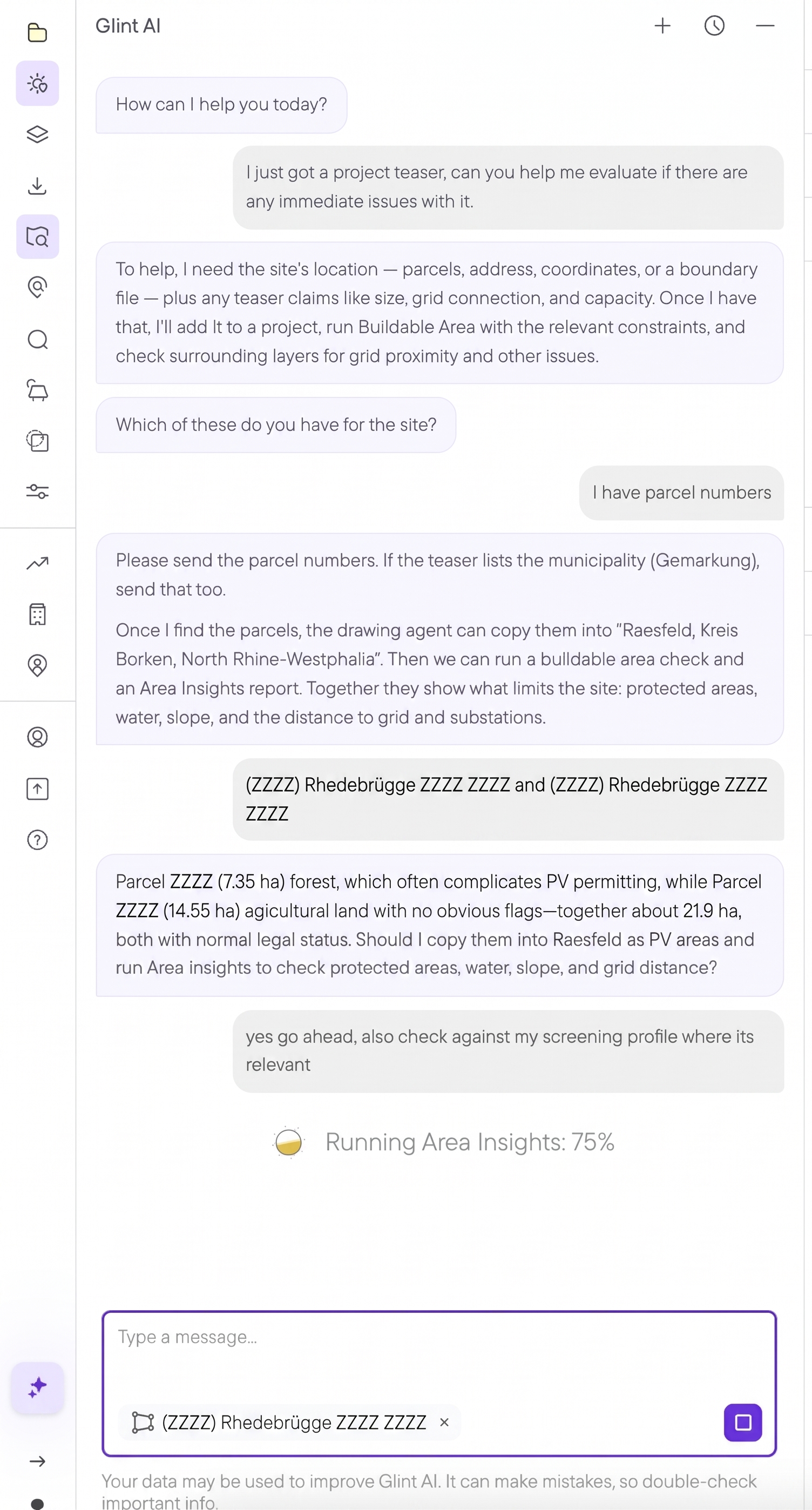
A teaser check from parcel numbers alone. Parcel identifiers are hidden in this example.
Not every site starts with a search. Teasers arrive from brokers, landowners and other developers, and most deserve ten minutes, not a day. Tell Glint AI “I just got a project teaser, can you check it for immediate issues?” and give it what you have, even if that’s only parcel numbers and a municipality.
It finds the parcels and tells you what they are, say 7.35 ha of forest and 14.55 ha of farmland. Then it copies them into a project and checks for potential issues using Area Insights. It can suggest what to consider in the given area, or you can use a predefined Constraint Profile to make sure a teaser gets the same answer whoever on the team opens it.
What you get is what you would have built
Glint AI doesn’t generate data. It uses the data in the managed data library. The profile is built in the profile editor, the search runs in Land Screening, and the report is the same Area Insights report you’d produce yourself. If a request could mean more than one thing, it asks. Everything it makes you can inspect, edit and undo, and your project data isn’t used to train AI models.
More is coming
We’re continuing to roll out capabilities for Glint AI. Next up are tools to help manage and organize projects.
Book a demo and we’ll run it on a region you’re looking at. The full list of what Glint AI can and can’t do is in the knowledge base.