Frequently asked questions
What can I ask Glint AI to do?
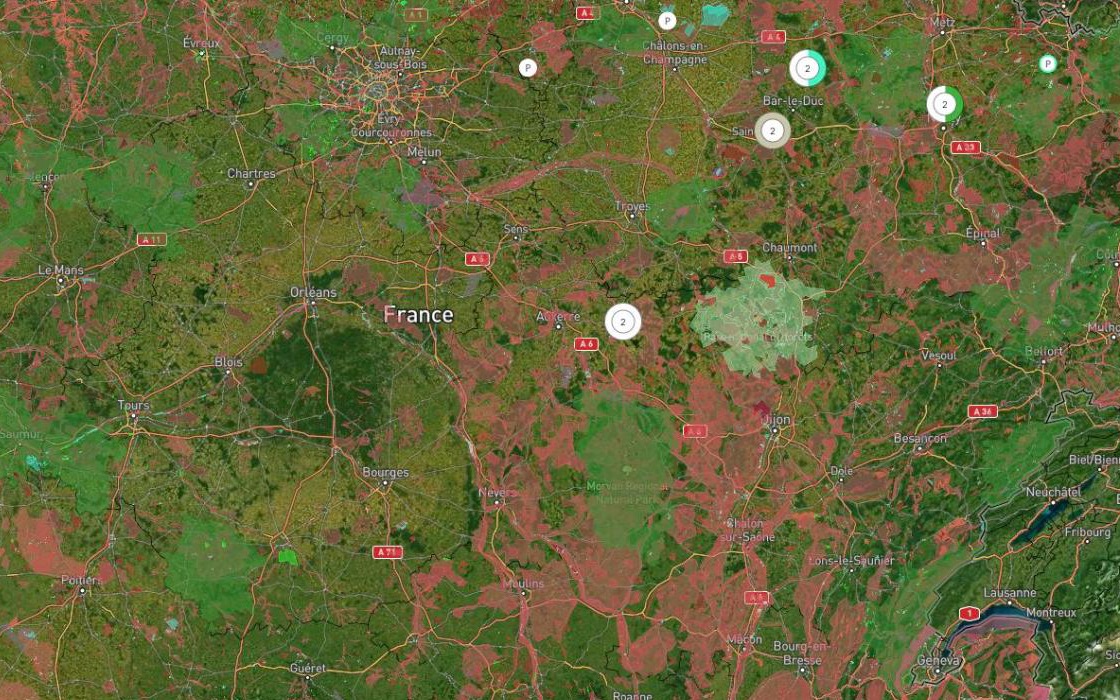
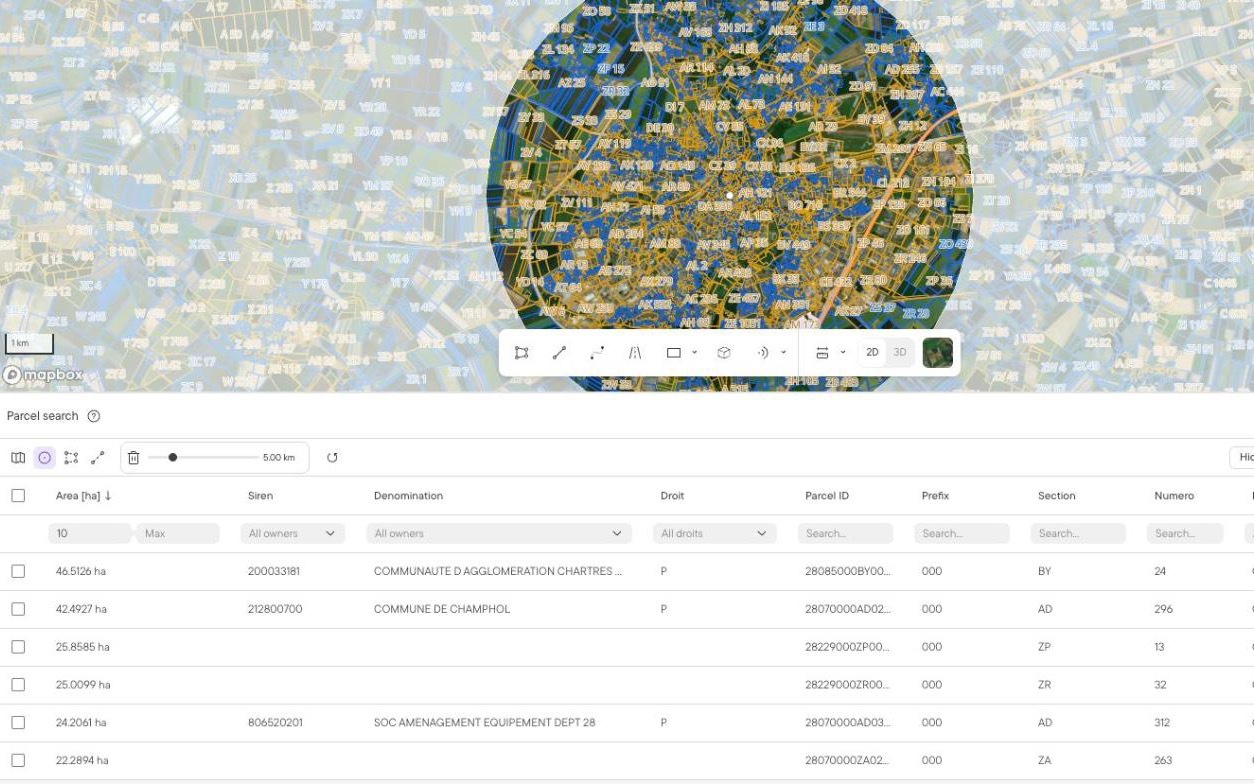
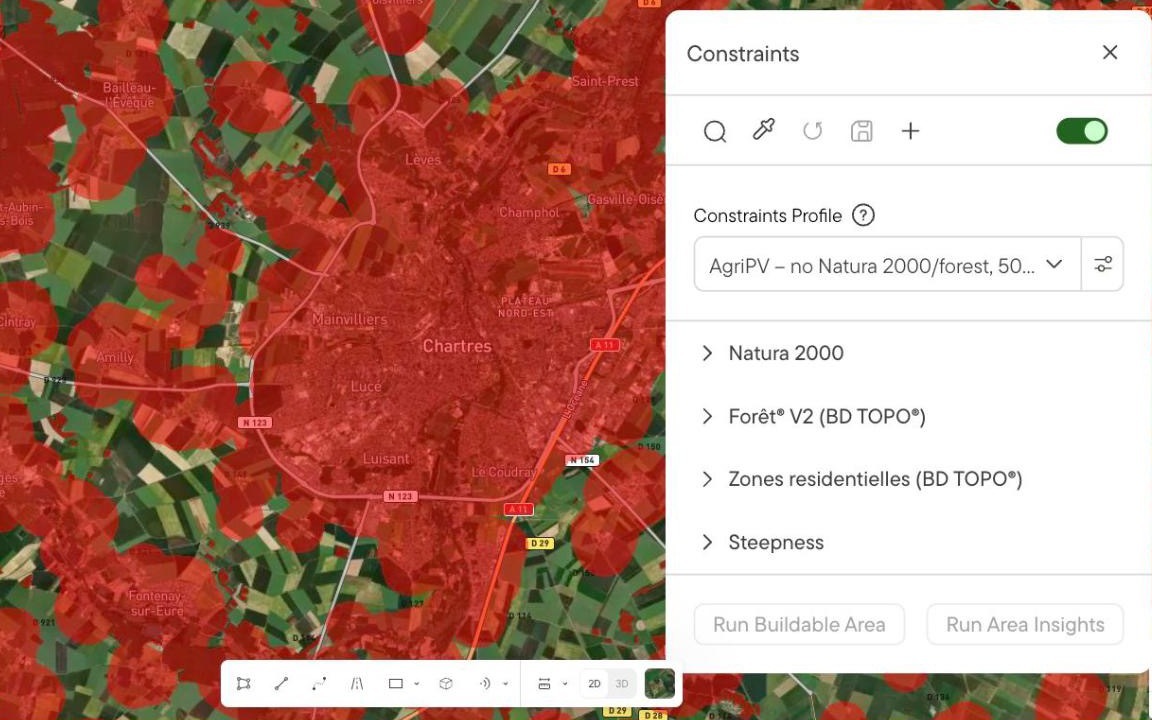
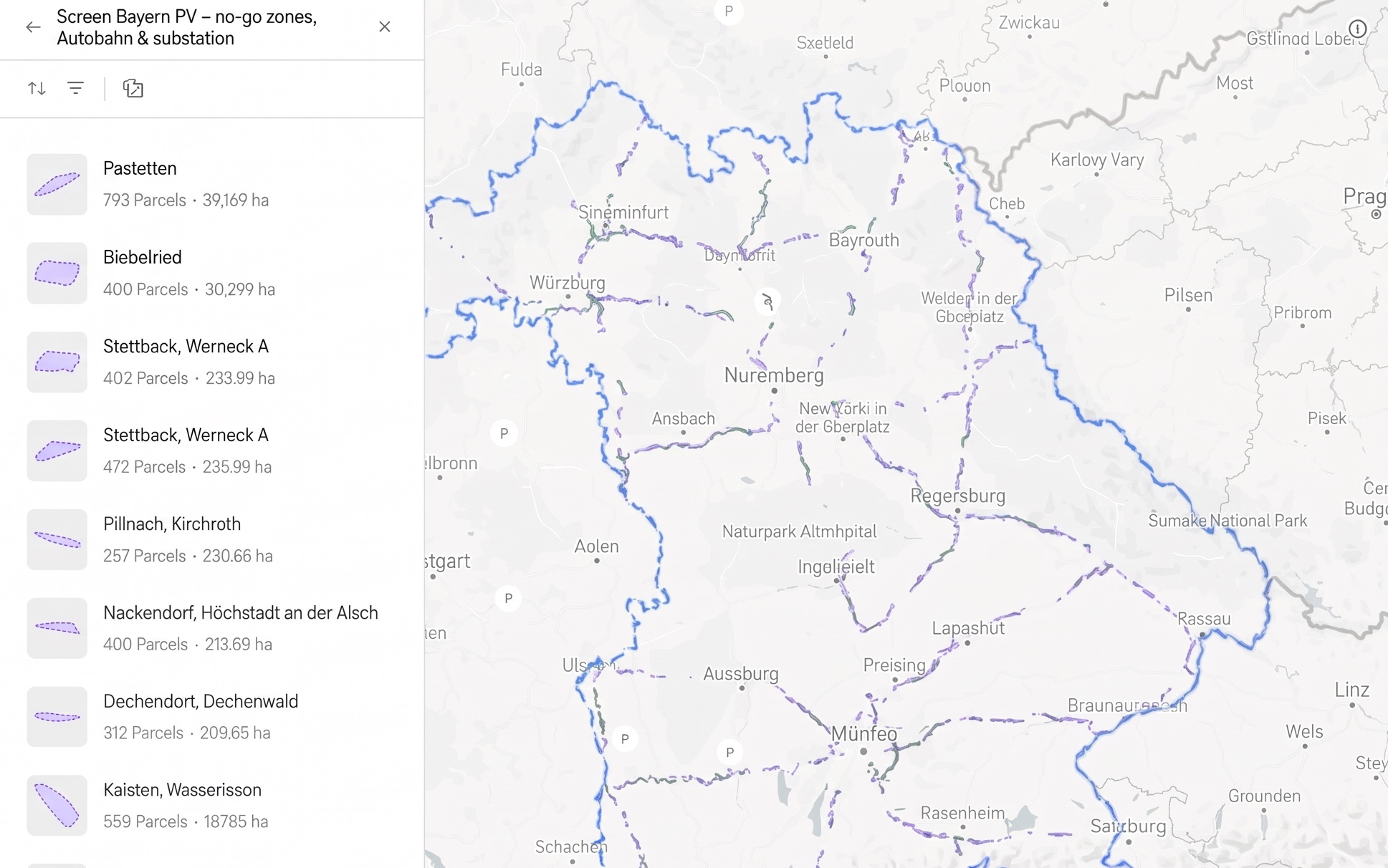
Prospecting tasks, like turning on layers, finding parcels, building constraint profiles, screening a region, checking a teaser, calculating buildable area and getting an Area Insights report. Design actions, like drawing shapes, adding fences, roads and 3D objects, and running and comparing analyses. And questions about using Glint Solar, including why you're seeing a warning or an error.
Where do I find it?
Click the ★ icon at the bottom left of the screen. Glint AI is a paid add-on you opt into, so ask your Glint Solar contact to switch it on. You need Creator access or higher to the portfolio you're working in.
Will it hallucinate when it works on my site?
No. You talk to Glint AI in natural language, but it doesn't use generative AI to draw on your map. It works out what you're asking for, then carries it out with Glint Solar's existing prospecting and design tools. It doesn't generate data either. It uses the layers in the managed data library, and if a request could mean more than one thing, it asks.
Can it screen land for me?
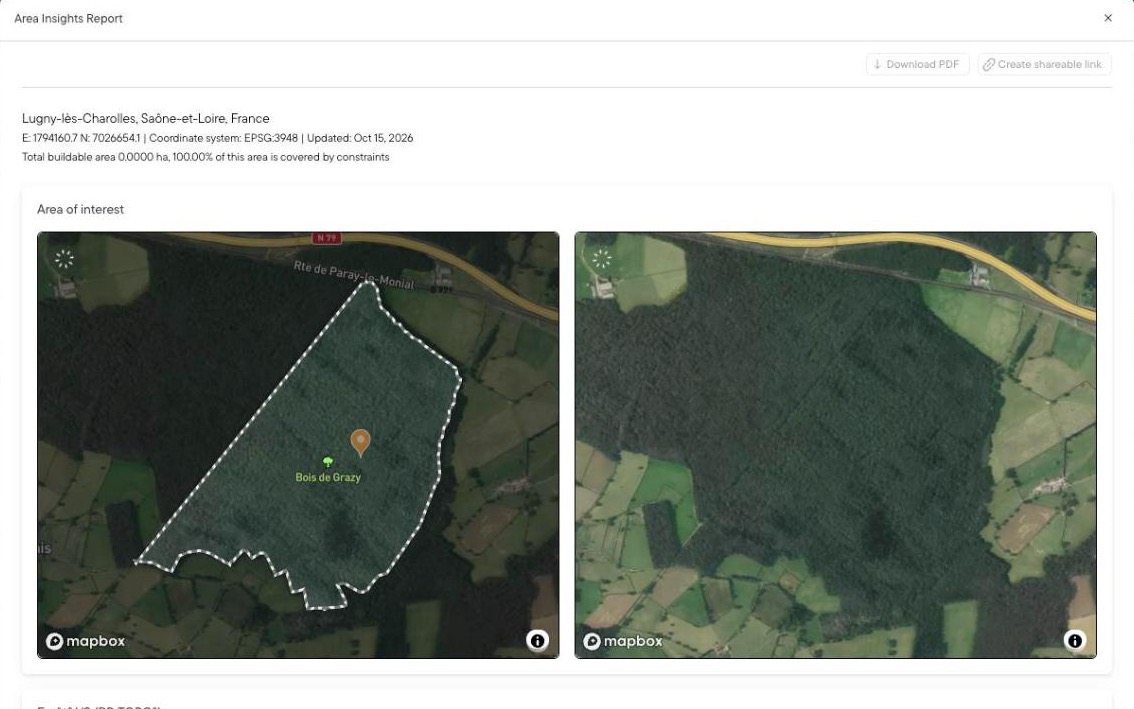
Yes, if your team subscribes to Land Screening. Ask it to screen a region with a constraint profile and it runs Land Screening, then returns opportunity areas ranked by buildable area. Without Land Screening it can still find parcels, build profiles and check a site with Area Insights.
What if it makes a mistake?
Undo it with Cmd+Z or Ctrl+Z, or ask Glint AI to fix it. Undo covers drawing changes, not configuration changes or analyses. A profile it builds opens in the profile editor, so you can check and change every layer and buffer.
Can it optimize my hybrid site?
Not at the moment. It can run several analyses and compare the technical results, but it has no view of LCOE or IRR.
How do I get the best results?
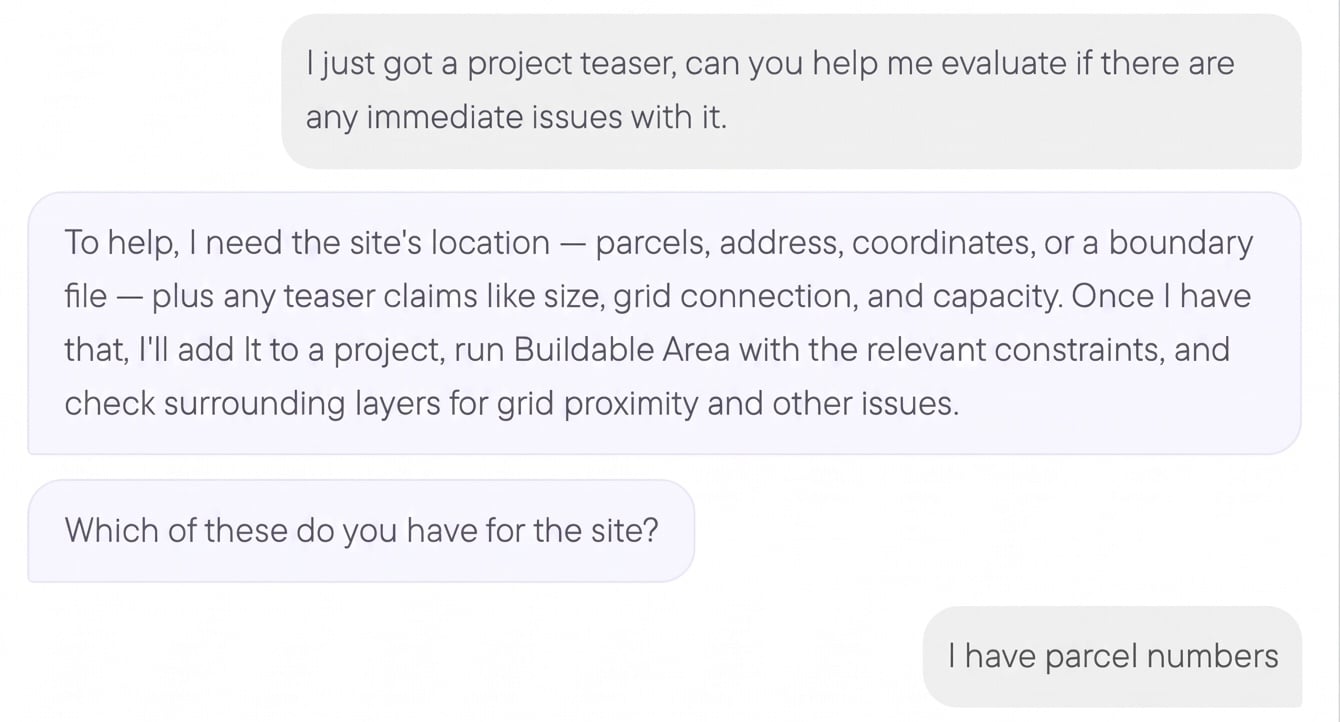
Be specific. Glint AI won't guess what you mean, so name the layers, distances, sizes and region you care about, and say what you're trying to find. The prospecting tools are new and we're improving them with every release.
Is my project data used to train AI models?
No. Your project data isn't used to train any AI models.
How much does it cost?
Glint AI is a paid add-on. Your Glint Solar contact can take you through pricing and what's included.
What's coming next for Glint AI?
Glint AI now works across prospecting and design. Next up are tools to help you manage and organize projects. We're also building a dedicated grid product to help you understand grid capacity and queues, and Glint AI will be part of it from the start.